Player opts in
The in-world panel names the exact data used before a request is sent. Consent is explicit.
 trustbadge.dev
VRChat age access infrastructure
One check against VRChat's own 18+ account status. One durable record. Every participating world knows who has access without touching identity documents.
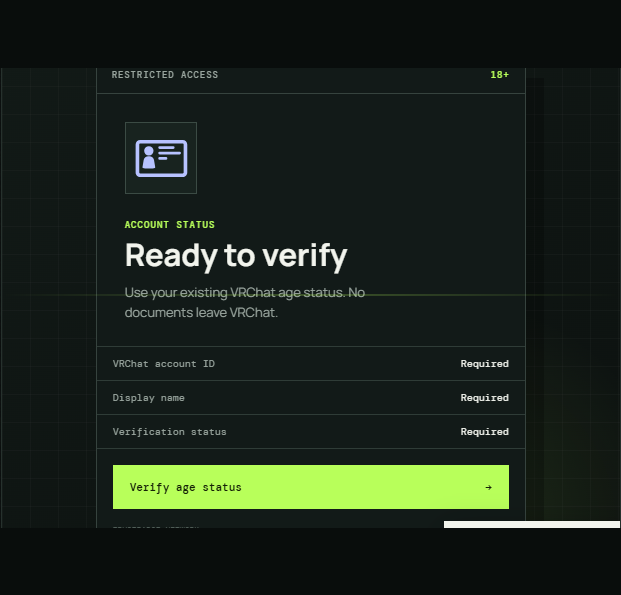
ACCOUNT STATUS
Use your existing VRChat age status. No documents leave VRChat.
01 / THE PATH
The verification stays where it belongs: between a VRChat account and VRChat's existing badge.
The in-world panel names the exact data used before a request is sent. Consent is explicit.
The backend matches the display name to a permanent account ID and reads the 18+ status there.
Other TrustBadge worlds recheck the account after join. A copied username never inherits access.
02 / DATA BOUNDARY
VRChat handles identity and age verification. TrustBadge only records the minimum needed to recognize that result later. Your documents never enter this system.
Read the full privacy policy03 / FOR WORLD OWNERS
The package includes the in-world panel, restricted trigger zones, clear loading and failure states, maintenance handling, and a Discord verification log for your world.
04 / FAQ
Important questions deserve specifics, not a privacy-flavored shrug.
No. VRChat handles the identity check. TrustBadge only reads the account-level result that check produces. Your documents never enter our infrastructure.
Your permanent VRChat user ID, current username, verification status, and a timestamp. No email, date of birth, password, or identity documents.
No. Participating worlds automatically recheck your account shortly after you join, so your existing TrustBadge status follows you.
No. The backend resolves every name to the permanent VRChat account ID behind it. A lookalike name resolves to a different account and does not inherit access.
No. Verification is tied to your permanent account ID. Your stored display name updates the next time the account is checked.
A fresh badge can take time to appear through VRChat's API, or a busy lookup may be rate-limited. Wait a minute and use Recheck. A maintenance message means the TrustBadge service is temporarily offline.